My Info - My eID

My Info
With My Info, you’re in control, and your data is protected.
About
My Info

Overview
My Info allows you to access, view and share* the information you have stored in the Cayman Islands Identification Register.

With My Info, you can:
- Request updates to your information at any time;
- View accesses to your information in the Register;
- Share* select identity information via a private portal;
- Prove your identity in an instant
Manage My Info
in four easy steps:
01
Accessing My Info
Users log in to their eServices Sign In account.
02
Viewing My Info
Once authenticated, users can access the My Info portal. Here, they can view the identity information held on them in the Identification Register.
03
Updating Details
Users have the option to request changes or updates to their identity information directly through My Info.
04
Sharing My Info*
Users have the option to share their information via email or by presenting the QR code on the back of the card.
How to
Share
My Info
Digitally
My Info can be accessed, managed and shared digitally in multiple ways*.
You can:- View My Info in the Register to see which data has been stored
- Manage what information you are sharing by toggling fields on and off
- Share My Info via email link
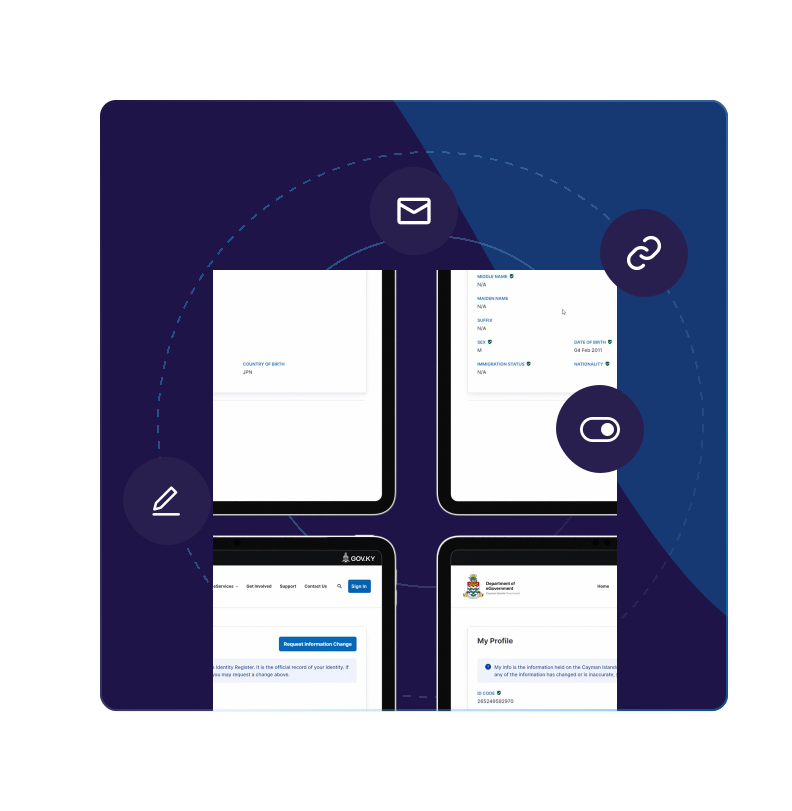
* Guidance on how to use the sharing feature will be published soon.
User Guides and Videos
Need more support? Check out our detailed user guides and videos.
February 1, 2025
My Info - How to Use the Cayman Islands Identification Card (My eID) for In-Person Identity Verification
November 19, 2024
My Info - User Guide for Understanding My Info Data Sources and Field Meanings
November 19, 2024
My Info - How to View My Info
October 30, 2024